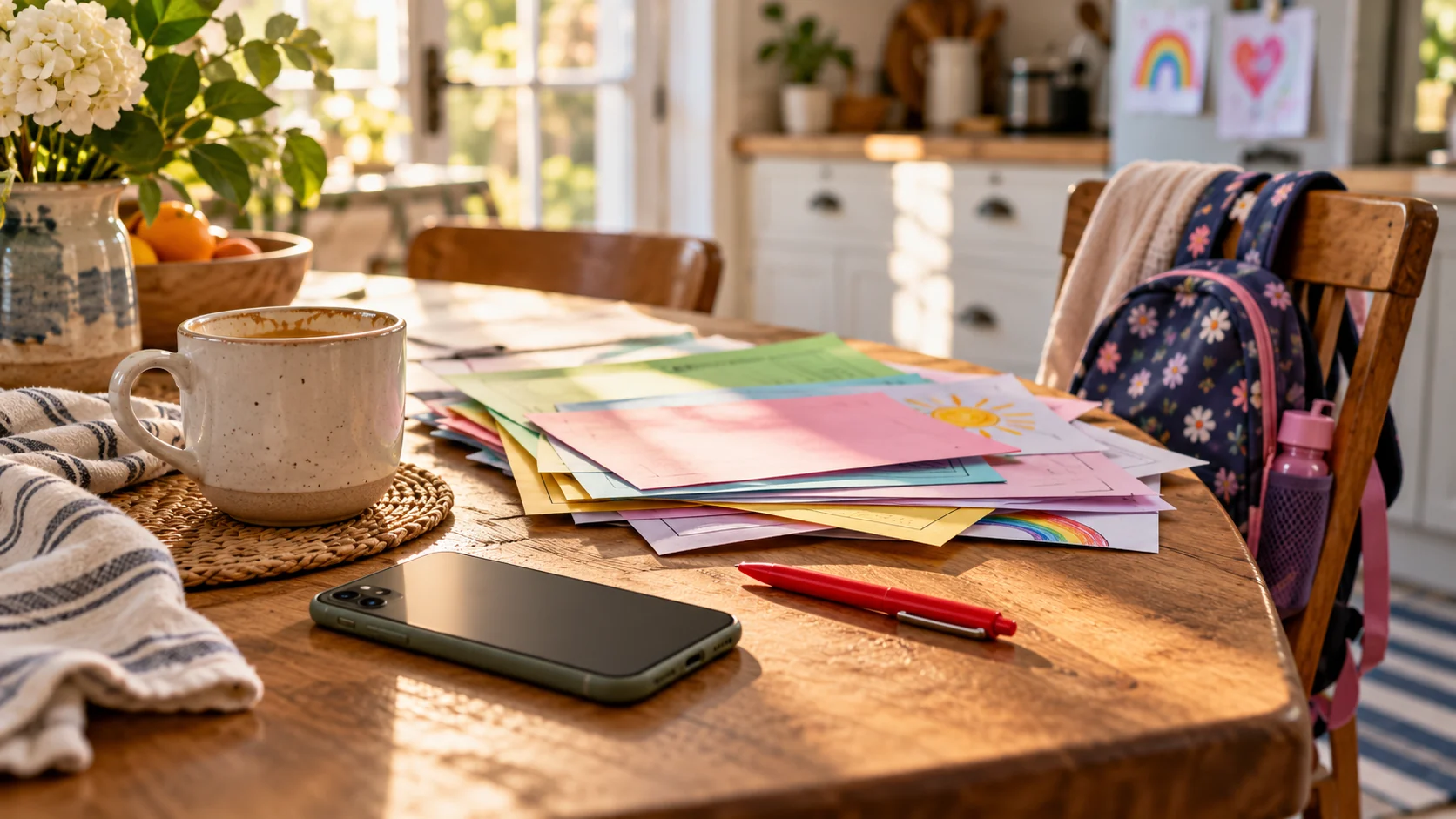
You open the school inbox to check one date. Suddenly there are three dates, a form, a theme color, and a request for a household object nobody owns. Welcome to School Email Bingo: four tiny cards for the messages that somehow arrive between dinner and bedtime.
This is affectionate comedy about calendar overload. Teachers and school staff have enough to juggle; the joke is the timing, the paperwork, and the way one innocent subject line can rearrange tomorrow morning. None of the messages below is a real email.
How to play in five minutes
Each mini card has six squares. Mark a square when a message like it lands in your inbox, backpack, app, or group chat. Three marked squares in either vertical column make a bingo. You can play across a week or just see which card describes your current Tuesday. No prizes, no sign-up, and absolutely no need to print anything.
If a message actually needs a reply, handle the real date and details first. The game can wait. The permission slip cannot.
Card 1: The calendar plot twists
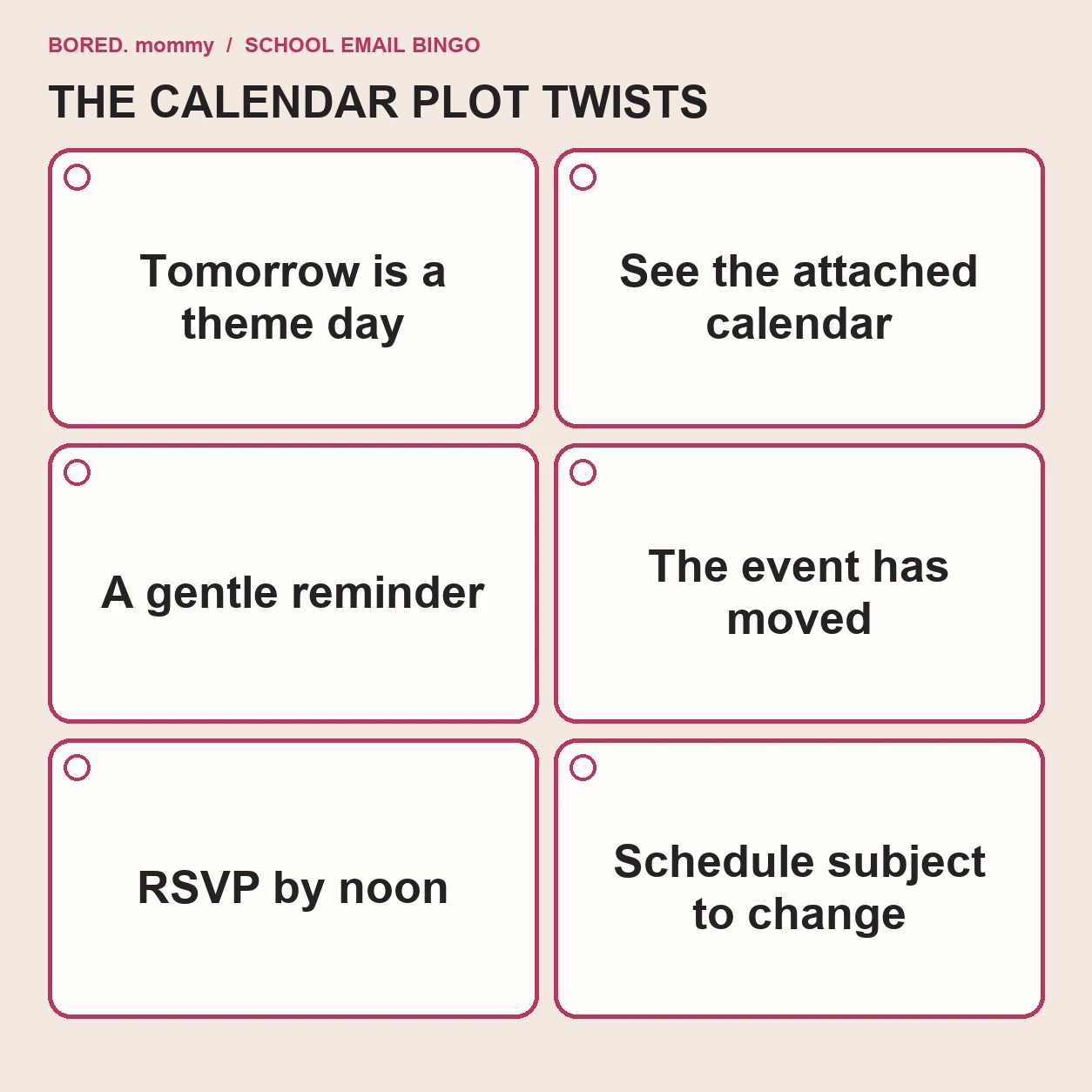
- “Tomorrow is a theme day.” The theme has a color. The color is not currently clean.
- “Please see the attached calendar.” It replaces the calendar attached yesterday.
- “A gentle reminder…” The reminder is the first time you have heard of this.
- “The event has moved.” Your work calendar has not.
- “Please RSVP by noon.” You read it at 12:07.
- “The schedule is subject to change.” It accepts the challenge.
The safest move is to put the real date in one place once the plot settles. The site’s family admin hour is a practical companion for forms and shifting appointments.
Card 2: The mysterious supplies
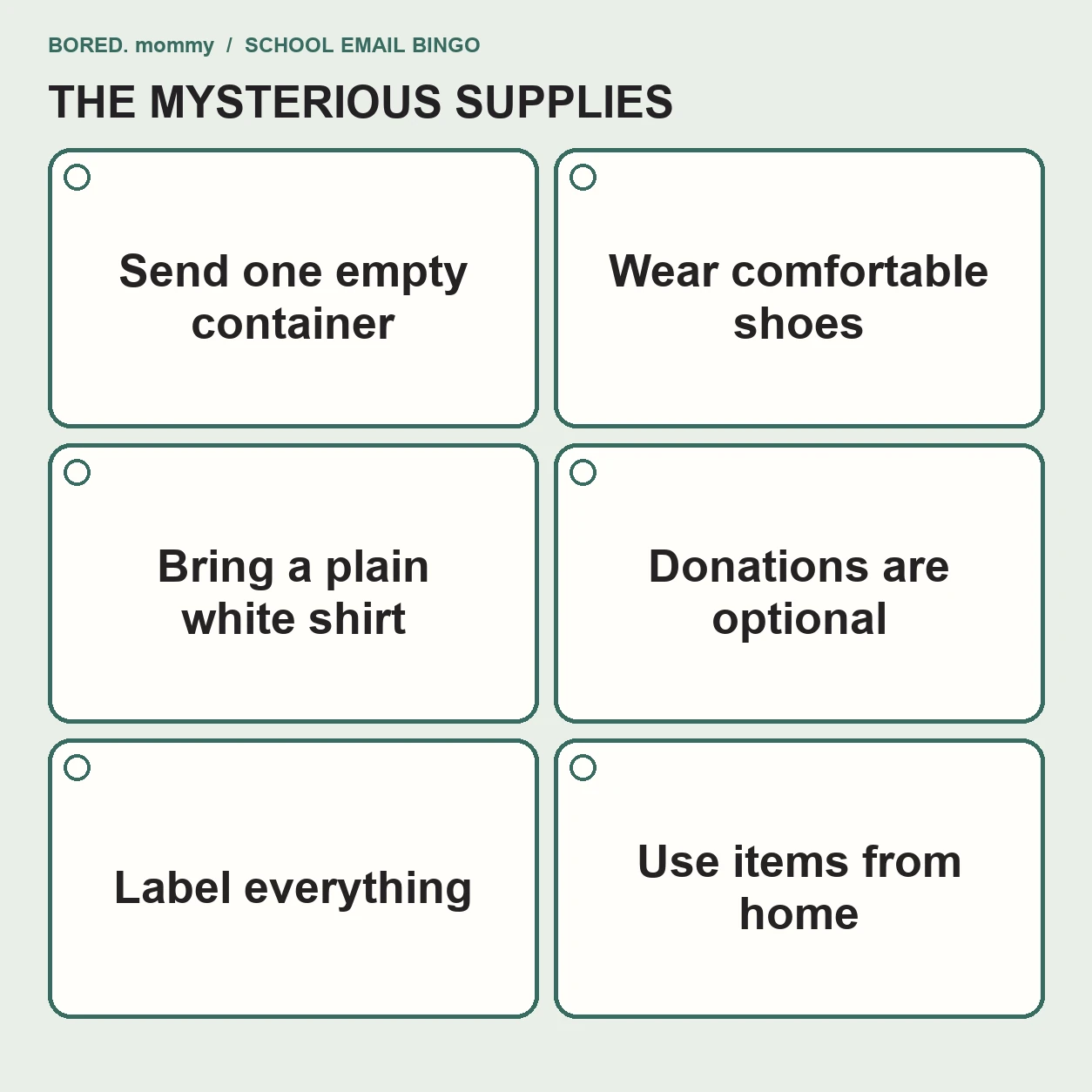
- “Send one empty container.” Size, shape, and prior contents remain a mystery.
- “Wear comfortable shoes.” Your child interprets this as costume boots.
- “Bring a plain white shirt.” Every white shirt has a logo or a stain.
- “Donations are optional.” The sign-up list has 19 empty slots.
- “Label everything.” Even the item that will be lost before lunch.
- “Use items from home.” A home apparently equipped with 30 googly eyes.
The small win: check what is already in the house before buying a one-day supply. If paper and backpacks are taking over the doorway, the after-school drop zone gives them a landing spot.
Card 3: The digital scavenger hunt
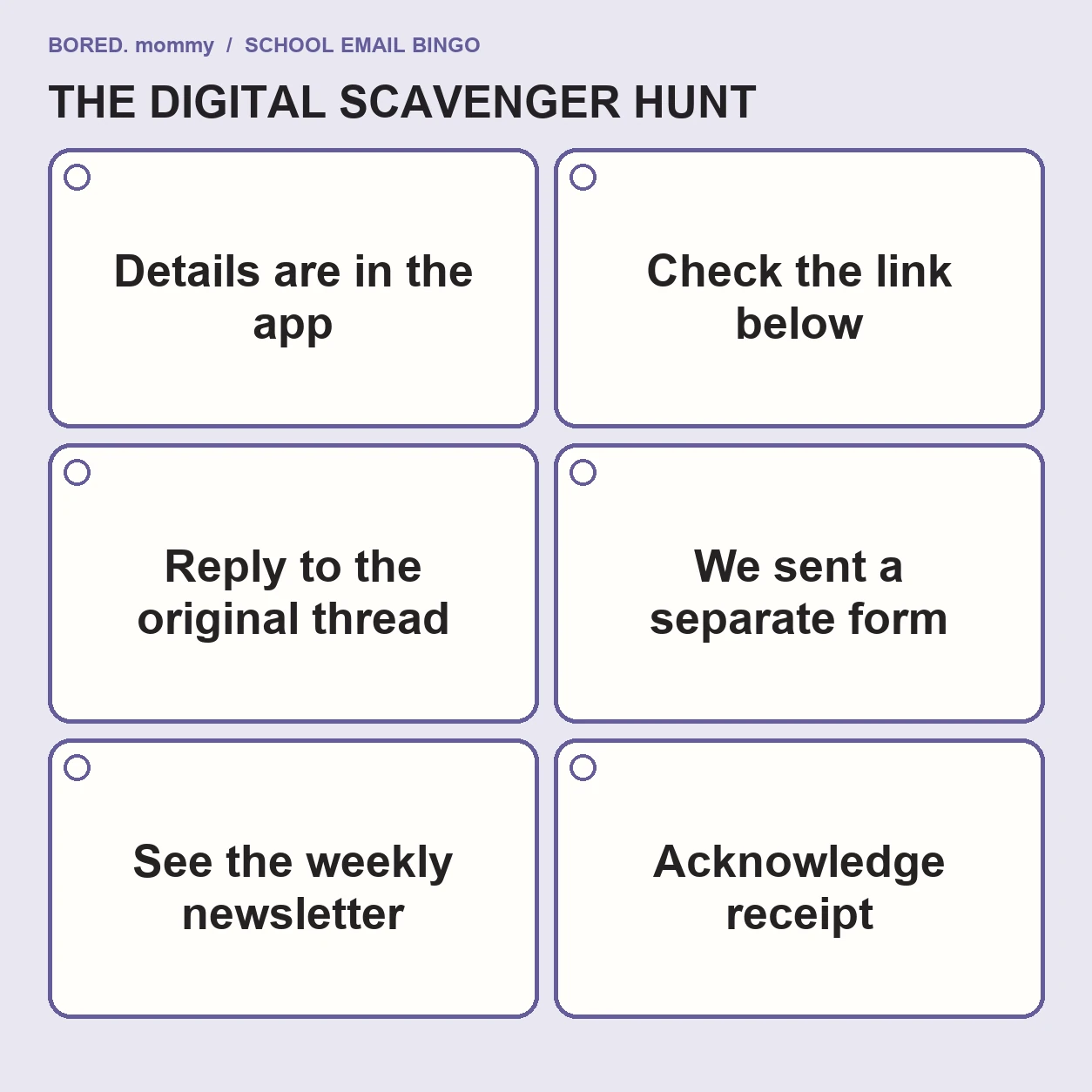
- “The details are in the app.” Which app is the first puzzle.
- “Check the link below.” The link is in the previous message.
- “Reply to the original thread.” There are four original threads.
- “We sent a separate form.” To a different email address.
- “See the weekly newsletter.” The detail is near the bottom.
- “Please acknowledge receipt.” Of a message about acknowledging messages.
When the tabs multiply, write down the one action you need, then close the extras. A funny card is still a poor substitute for the actual pickup time.
Card 4: The almost-finished week
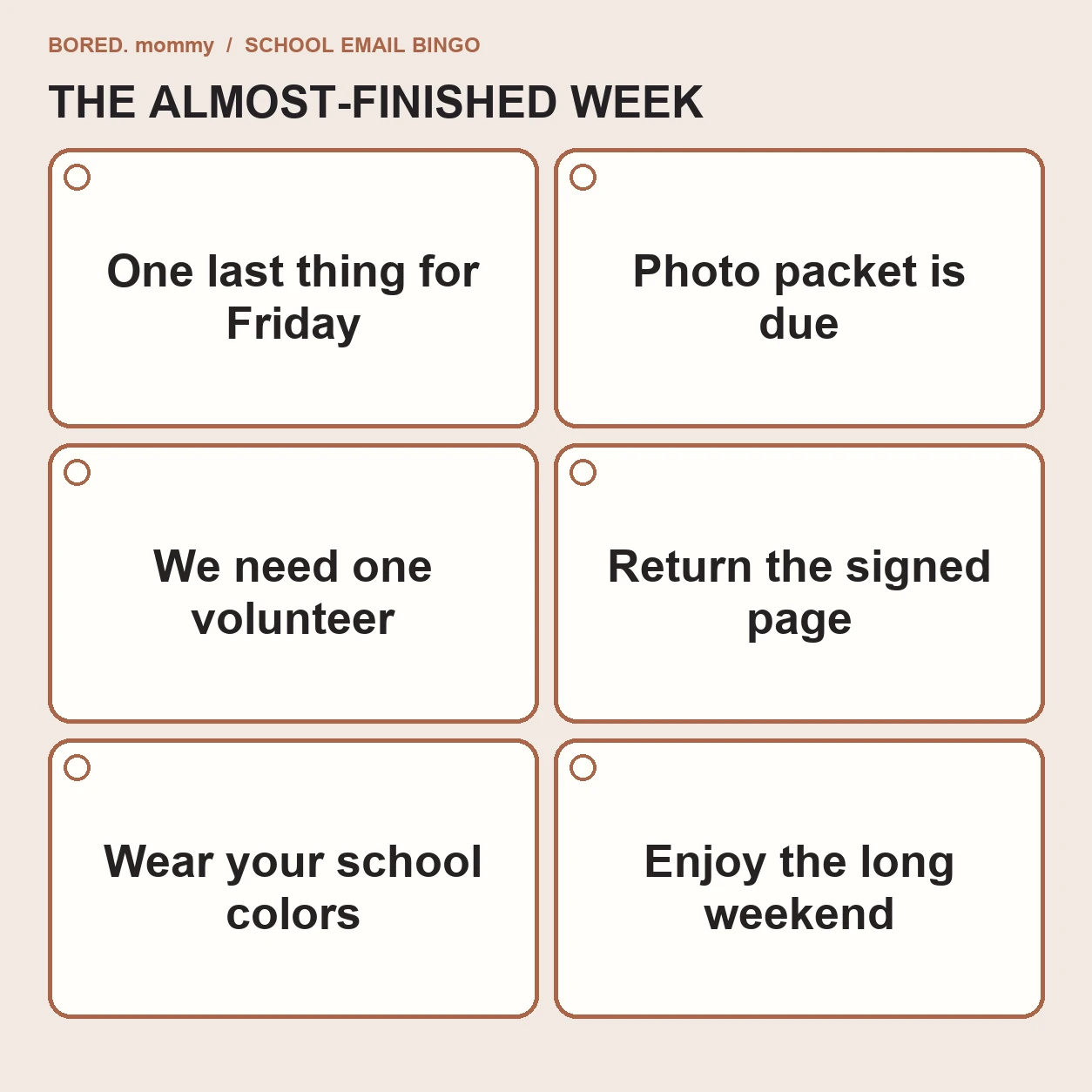
- “One last thing for Friday.” It is Thursday night.
- “The photo packet is due.” The envelope is in a backpack pocket dimension.
- “We need one volunteer.” The email has 200 recipients and one button.
- “Please return the signed page.” The page has chosen a new home.
- “Wear your school colors.” The sweatshirt is at the bottom of the laundry.
- “Enjoy the long weekend!” You briefly forgot there was one.
If the inbox has turned tomorrow into a puzzle, the late-school-morning rescue plan is there for the next morning. For a break that does not ask you to solve anything, try the bathroom-thoughts list.
Your bingo result
No bingo? Congratulations on a surprisingly quiet inbox. Enjoy it without announcing it to the group chat.
One bingo? You are playing the standard school-week edition. Add the actual deadline to your calendar; leave the rest of the email there.
More than one? Your prize is permission to laugh, drink your coffee while it is still warm if the universe allows, and ask another adult in the household to take the next form.
Share the card with the parent who just texted “Wait, was that today?” They already know which square to mark.