
Family administration is made of tiny tasks that rarely look urgent by themselves: sign the form, schedule the appointment, answer the school message, return the library book, update the calendar. When they remain scattered across bags, inboxes, and memory, they create a constant background hum.
A family admin hour gathers those tasks into one weekly appointment. “Hour” is a container, not a quota; you can stop in thirty minutes if the list is clear.
What belongs in family admin?
- School and childcare forms
- Calendar updates and transportation decisions
- Routine appointment scheduling
- Returns, renewals, and permission slips
- Household messages that require a reply
- A short review of upcoming costs and deadlines
Cleaning and big household projects do not belong here. The point is to close information loops.
Create one collection point
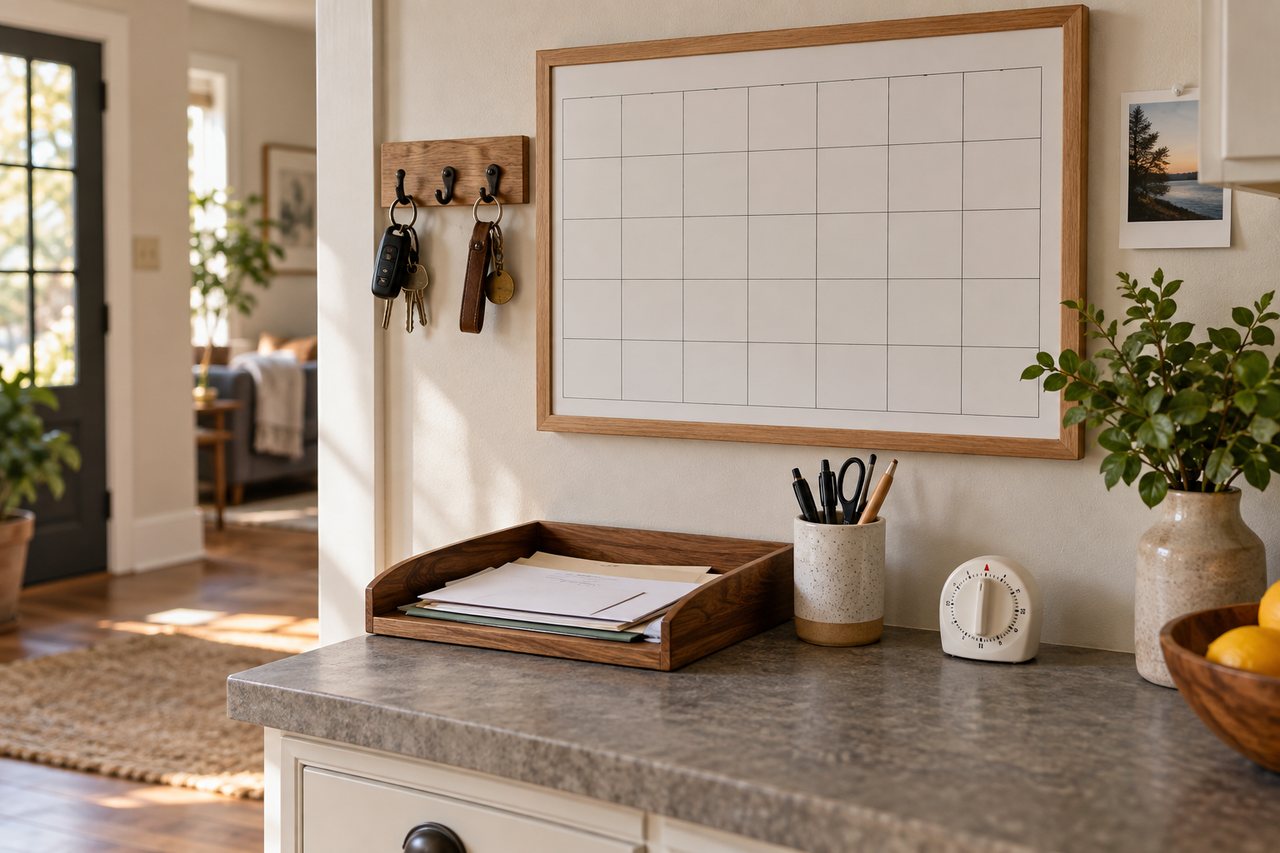
Use one shallow tray for paper and one digital list for tasks that arrive by email or app. Put the paper tray where backpacks and mail naturally enter the home. Do not create many categories at first; one visible inbox is easier to trust than a complicated system nobody uses.
If school gear tends to spread through the house, pair the inbox with a no-buy after-school drop zone.
Run the hour in five short rounds
1. Gather for five minutes
Empty the paper tray, check bags, open the calendar, and collect flagged digital tasks. Do not begin solving until everything is visible.
2. Update the calendar for ten minutes
Add dates, travel time, preparation reminders, and the person responsible. A calendar entry called “school event” is less helpful than “leave at 5:30; bring signed form.”
3. Complete quick actions for fifteen minutes
Sign forms, send short replies, schedule routine appointments, and make simple confirmations. When a task requires research or a decision from someone else, write the next action rather than keeping the whole problem in your head.
4. Prepare outgoing items for ten minutes

Put signed papers directly back into the correct bag. Place returns near the door. Attach a note to anything that must leave on a specific day. Completion includes putting the item where the next person can act on it.
5. Preview the next seven days
Ask what is unusual: an early departure, a themed school day, a prescription pickup, a payment deadline, or an appointment that changes dinner. Choose only the preparations that reduce real friction.
A tiny-task decision rule
| If the task… | Then… |
|---|---|
| Takes under two minutes | Do it now |
| Needs another person | Send the request and add a follow-up date |
| Needs focused research | Schedule a separate block |
| Has no clear next action | Define the smallest visible step |
| Is optional and low-value | Delete it deliberately |
Keep sensitive decisions in the right lane
The admin hour can remind you to contact a professional, but it should not replace medical, legal, tax, or financial advice. Store sensitive documents securely and follow the retention and privacy guidance that applies to your situation.
Make the system easier on a hard week
Use a 20-minute minimum version: check the next three calendar days, complete the most urgent form, schedule one appointment, and return outgoing papers to bags. That is enough to protect the near future.
This works well beside the minimum-viable week reset. The reset handles clothes, food, and the launch area; the admin hour handles information and deadlines.
Common traps
- Opening email without a defined task and losing the whole hour.
- Making a perfect filing system before processing urgent papers.
- Keeping completed forms in the inbox instead of returning them.
- Using multiple family calendars that do not agree.
- Turning the session into a meeting about every household issue.
How to share the load
Assign concrete ownership. One person checks the calendar, another empties bags, and older children can return completed forms. A shared system works only when “done” has a visible definition.
A 15-minute nightly routine can catch items that need to reach the weekly inbox without turning every evening into paperwork time.
The one-screen weekly handoff note
At the end of the admin hour, leave one short note where the people sharing the work can see it. A task is easier to finish when the next action, owner, and deadline are visible together. Copy the prompts below; write “none” for an empty line so nobody has to guess whether it was forgotten.
- Next seven days: date and event; what must happen before it; who owns that preparation.
- Out-the-door items: item; the bag or place it is waiting; departure day; owner.
- Waiting on someone: request sent to whom; date sent; follow-up date; owner.
- Appointments: time; travel or childcare constraint; person responsible for confirming.
- One decision to discuss: question; who needs to weigh in; decision deadline.
For example, “library book / blue backpack / Thursday / parent on pickup” tells the next person more than “return library book.” Keep private medical, school, or financial details in the appropriate secure place; a shared note only needs the next action and deadline. Review the note for two minutes midweek, then carry forward only unfinished items.
Frequently asked questions
Does it have to happen on Sunday?
No. Choose the quietest repeatable window before your household’s busiest days.
What if the task list is longer than an hour?
Finish deadline-sensitive items, schedule focused blocks for larger work, and stop. The hour is a weekly control point, not a promise to complete everything.
Should every family member attend?
Not necessarily. Invite people only for decisions or tasks they own, and send a short summary of calendar changes afterward.